

Account & settings
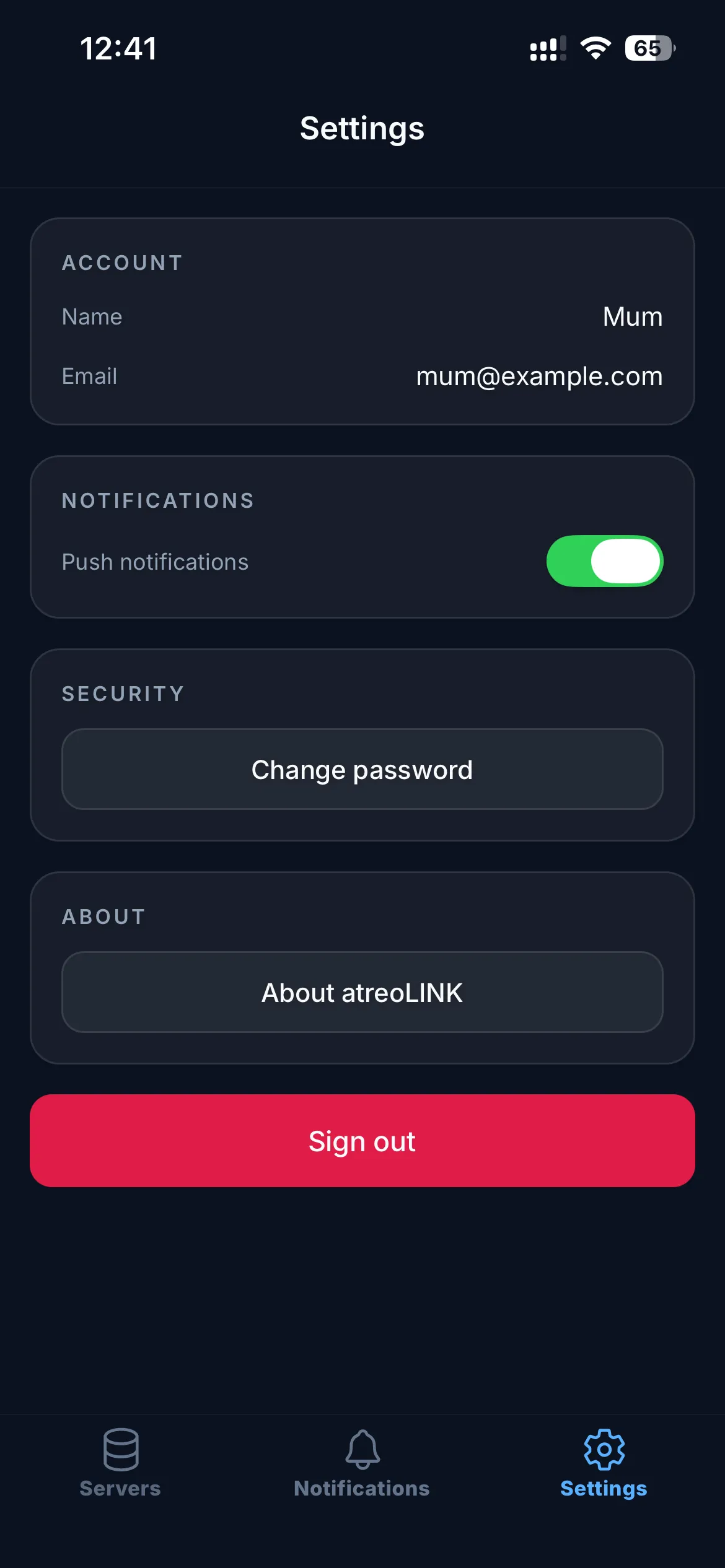
The third tab, Settings, covers your account, notifications, and security.
Account
Section titled “Account”Shows your registered email (read-only; email changes are made on the web dashboard) and a Change password form.
Change password
Section titled “Change password”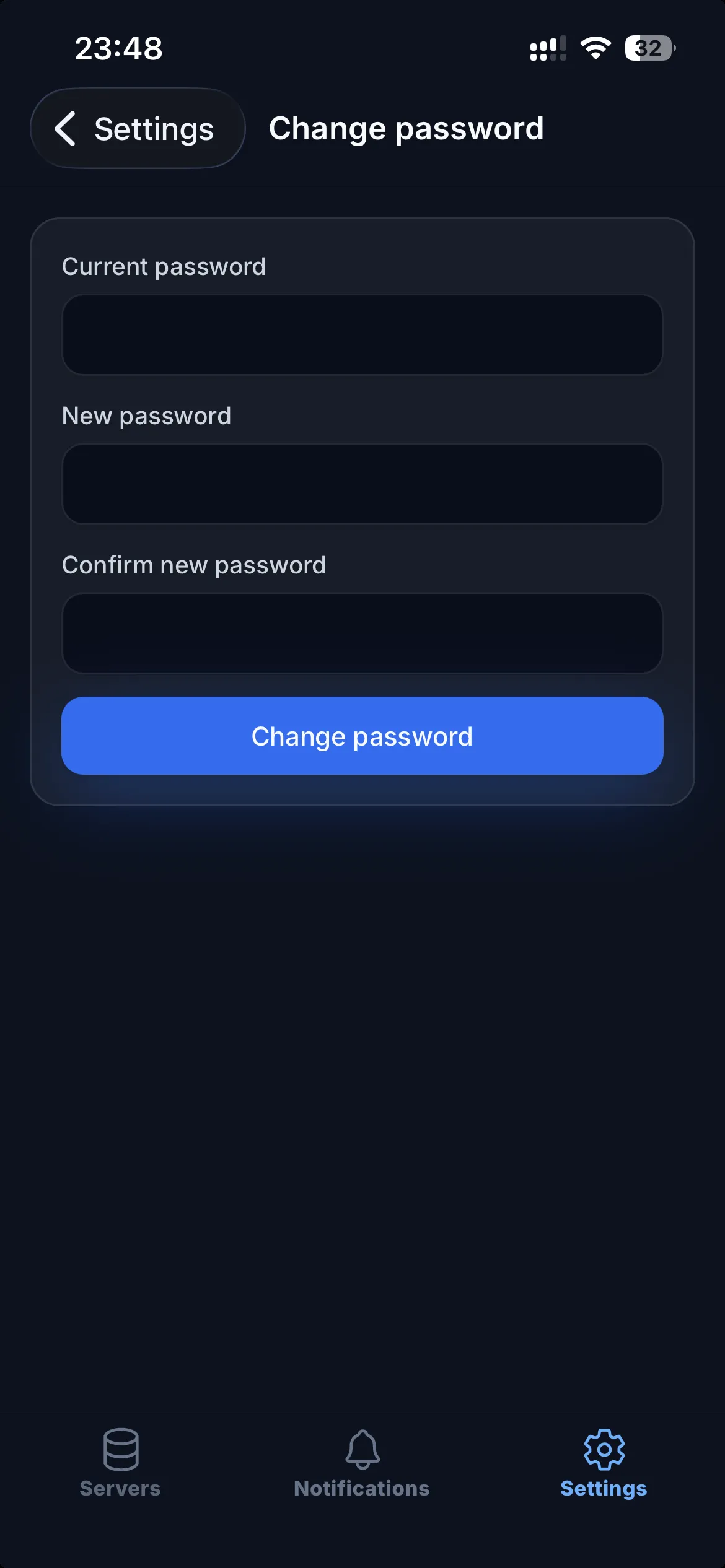
Changing your password is processed entirely on your device. atreoLINK only ever sees encrypted material — it never sees the old or new password. If you forget the old password, the chain breaks. That’s why backup codes and a second device matter.
Notifications
Section titled “Notifications”A single Push notifications switch. ON: this install receives notifications from every server you’re a member of. OFF: notifications stop on this device only. Other devices you’re signed in on are unaffected.
If you’ve granted notification permission to atreoLINK at the OS level but still aren’t receiving anything, check that this switch is on. See Notifications for the full troubleshooting flow.
Security
Section titled “Security”Sign out
Section titled “Sign out”Signs you out of the app on this device. Tunnel configurations are cleared, your local session is gone, and you’ll need to sign in again on next launch.
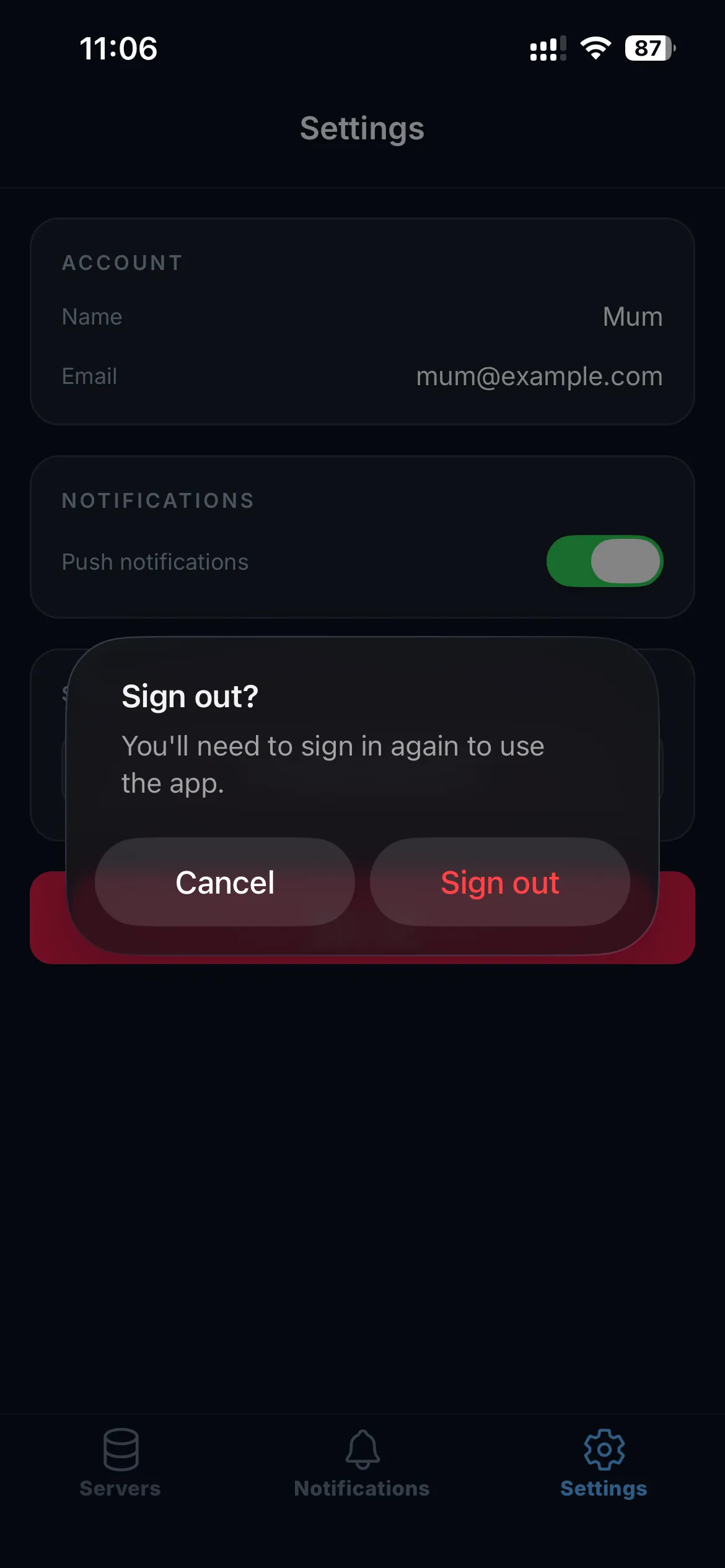
This is the right action if:
- You’re selling or returning the phone
- You suspect the device has been compromised
- You’re sharing a device temporarily
Two-factor authentication
Section titled “Two-factor authentication”Mobile-app TOTP changes are made through the web dashboard. To replace a lost authenticator app:
- Sign in to the web dashboard using a backup code.
- Disable TOTP, then re-enable it with your new authenticator.
- Save the new backup codes.
If you’ve lost both your authenticator and your backup codes, contact atreoLINK support. They can reset 2FA after verifying you own the email address on the account.
Tapping About atreoLINK opens a screen showing the app version and build number, the WireGuard trademark notice, and links to the full Open source licenses, the atreoLINK website, and this documentation.
© 2026 atreoLABS. All rights reserved.
WireGuard is a registered trademark of Jason A. Donenfeld.