

Open an app
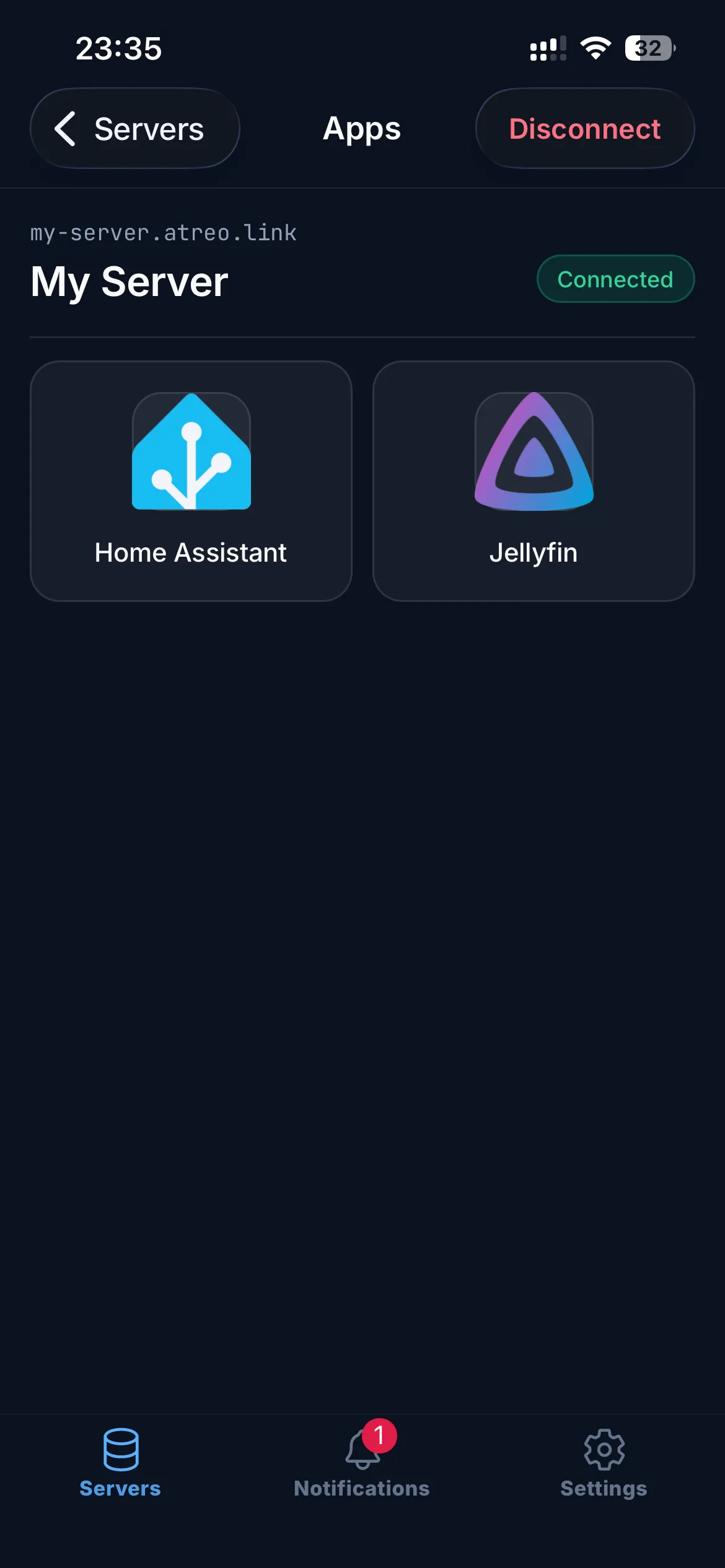
Once a server is reachable — you’ve connected to it, or you’re on its home network — the app list appears beneath the server row. Each tile is one of the apps your family member chose to share with you.
Three ways to open an app
Section titled “Three ways to open an app”In-app browser (default)
Section titled “In-app browser (default)”Tap any app tile. The app opens inside a built-in browser window with the WireGuard tunnel handling the connection.
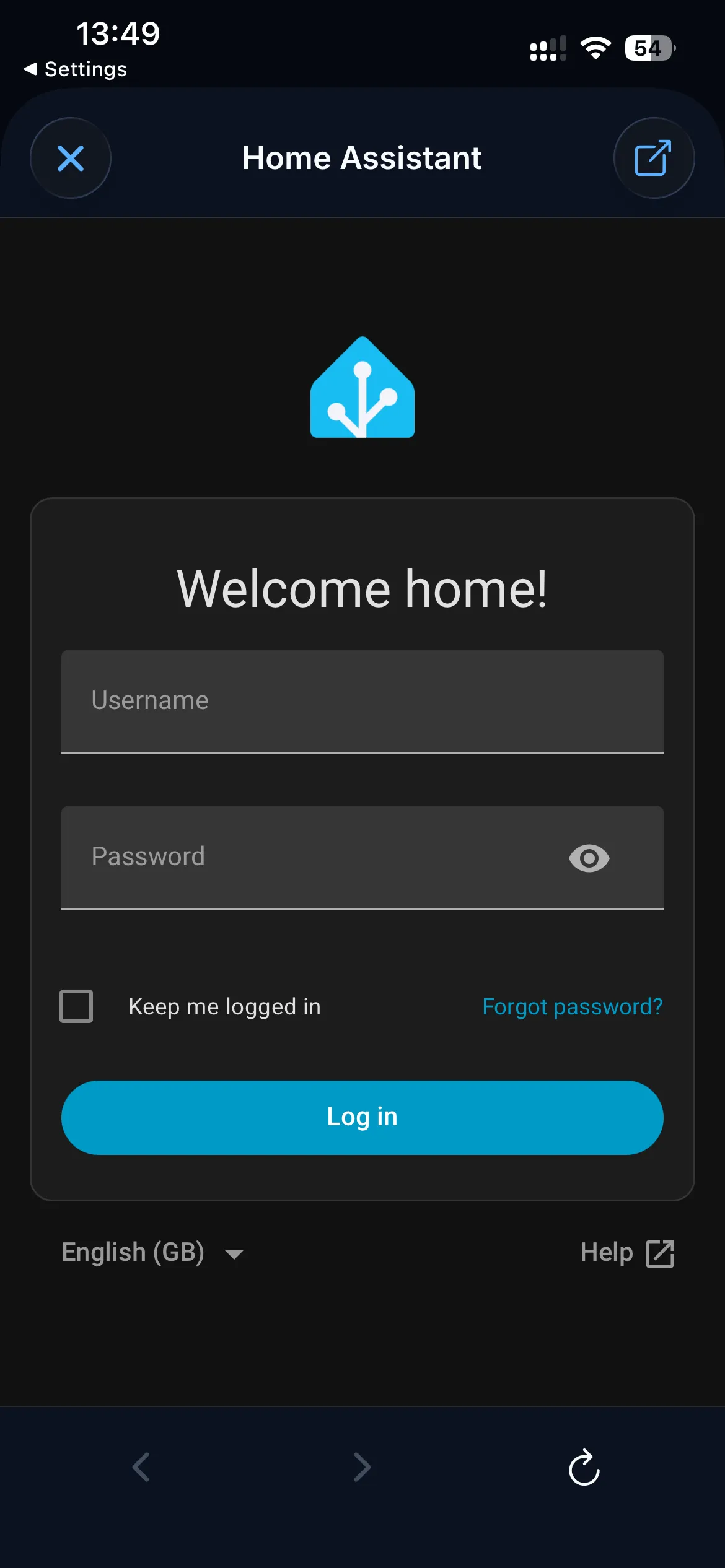
The first time you open a particular app, you may need to sign in to it (e.g. enter your Jellyfin or Plex username). atreoLINK handles the secure connection and the access check; each app on the server has its own login.
The in-app browser is dark themed and has Back, Forward, Reload, and Open-in-browser controls in the header.
Open in your phone’s browser
Section titled “Open in your phone’s browser”Tap the Open in browser icon in the header of the in-app browser. atreoLINK hands the URL off to Safari, Chrome, or whatever your default is. The traffic still flows over the tunnel, just rendered by your usual browser.
This is useful when an app needs a feature the in-app browser doesn’t have well: file uploads from your camera roll, password manager autofill, native print dialogs.
Native app
Section titled “Native app”For services that have a native client (Plex, Jellyfin, Emby, Home Assistant, Vaultwarden, anything else with a real app), open that app and point it at the per-app URL. The tunnel routes the traffic transparently.
For example, in the Plex iOS app:
- Add a server.
- Set the URL to
https://plex.alice.atreo.link(replace with the server owner’s subdomain and the app slug). - Sign in with your Plex account.
The tunnel stays connected while the native app is open. Notifications also keep arriving in the background — they’re delivered separately and don’t depend on the tunnel.
App URLs
Section titled “App URLs”Each app lives on a subdomain of the server owner’s atreoLINK subdomain. For example, if their subdomain is alice.atreo.link, their apps look like:
https://jellyfin.alice.atreo.linkhttps://immich.alice.atreo.linkhttps://homeassistant.alice.atreo.link
These URLs work whenever the server is reachable: when you’re connected to the tunnel, or when you’re on its home network with local DNS set up (see Connect to a server). Pasting one into a browser when neither applies will fail to load.
If they use a custom domain, the apps also live at <app>.your-custom-domain.com. The original atreo.link URLs continue to work alongside.
Exposed-port apps
Section titled “Exposed-port apps”Some things they share aren’t websites — a game server, an SSH port, a database, or a web app on a non-standard port. These appear in the same app list, but you don’t open them in a browser tab:
- TCP / UDP ports (game servers, SSH, databases). Tap the tile to copy the server’s
host:port(e.g.100.64.0.1:25565, or the IPv6 form[fd00:64::1]:25565), then paste it into the app that needs it — your game launcher, SSH client, database tool. Long-press for Copy Host & Port, Copy Host, or Copy Port individually. - HTTP / HTTPS ports. Tap to open the service in your phone’s browser at its
host:portaddress.
An exposed-port app only works while the server is reachable — over the tunnel, or directly when you’re on its home network. If the address can’t be worked out (you’re away with the tunnel down), the tile is dimmed; tap it to connect first.
On the TV
Section titled “On the TV”The TV apps don’t include an in-app browser — Apple TV, Android TV, and Fire TV all just show the app URL (or host:port for an exposed-port app) as text. To use a non-native app, open the URL on your phone, tablet, or computer (also connected to the tunnel). For media apps with native TV clients (Plex, Jellyfin, Emby, Infuse), open the native client on the TV and point it at the per-app URL.
“This server isn’t reachable”
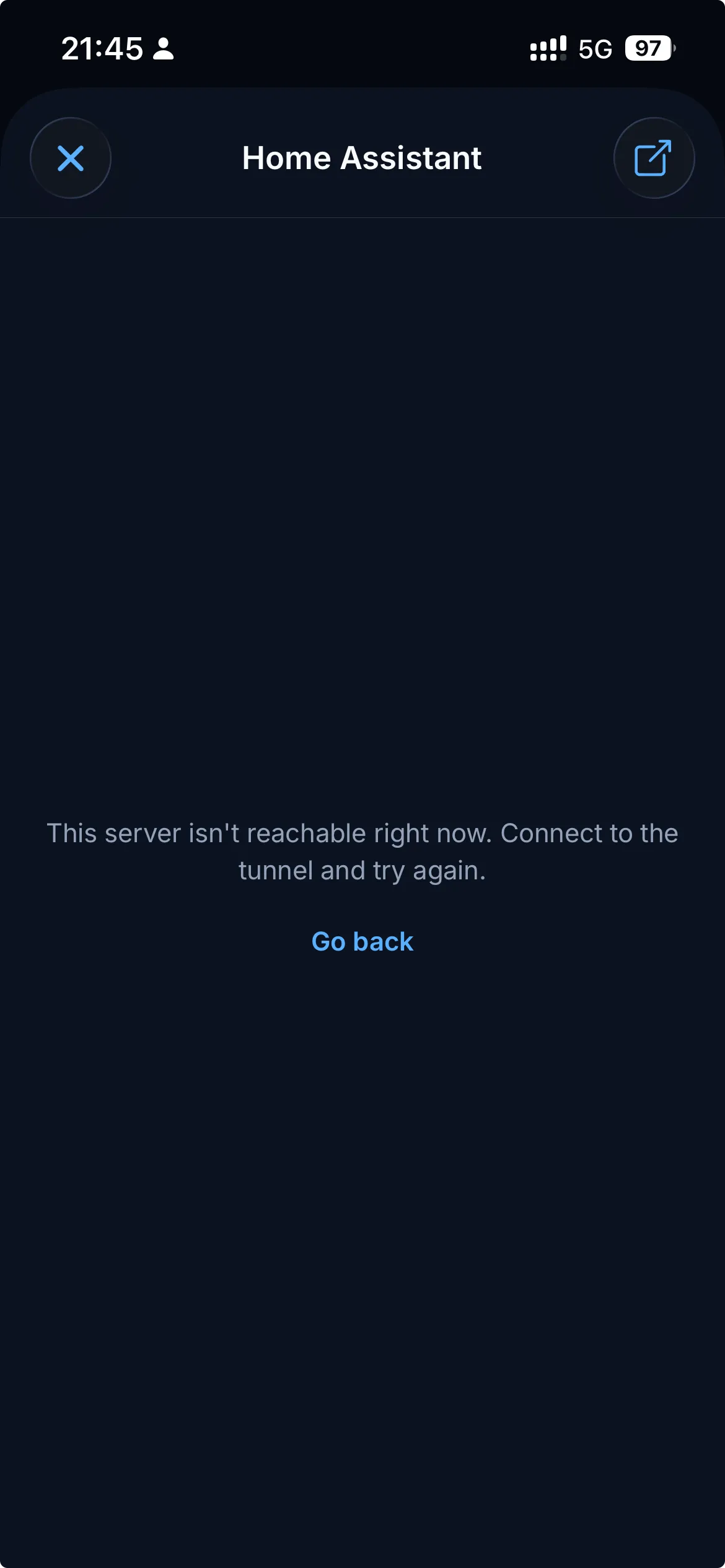
Section titled ““This server isn’t reachable””If you see “This server isn’t reachable right now. Connect to the tunnel and try again.” inside the app browser, the tunnel dropped (or never came up). Tap Go back, then reconnect from the Servers tab.
What if I want an app that wasn’t shared with me?
Section titled “What if I want an app that wasn’t shared with me?”Each member’s app list is controlled by the server owner. If you’d like access to something you can’t see, ask them to add it to your permissions in their dashboard. Changes take effect within a few seconds; you don’t need to reconnect.
© 2026 atreoLABS. All rights reserved.
WireGuard is a registered trademark of Jason A. Donenfeld.